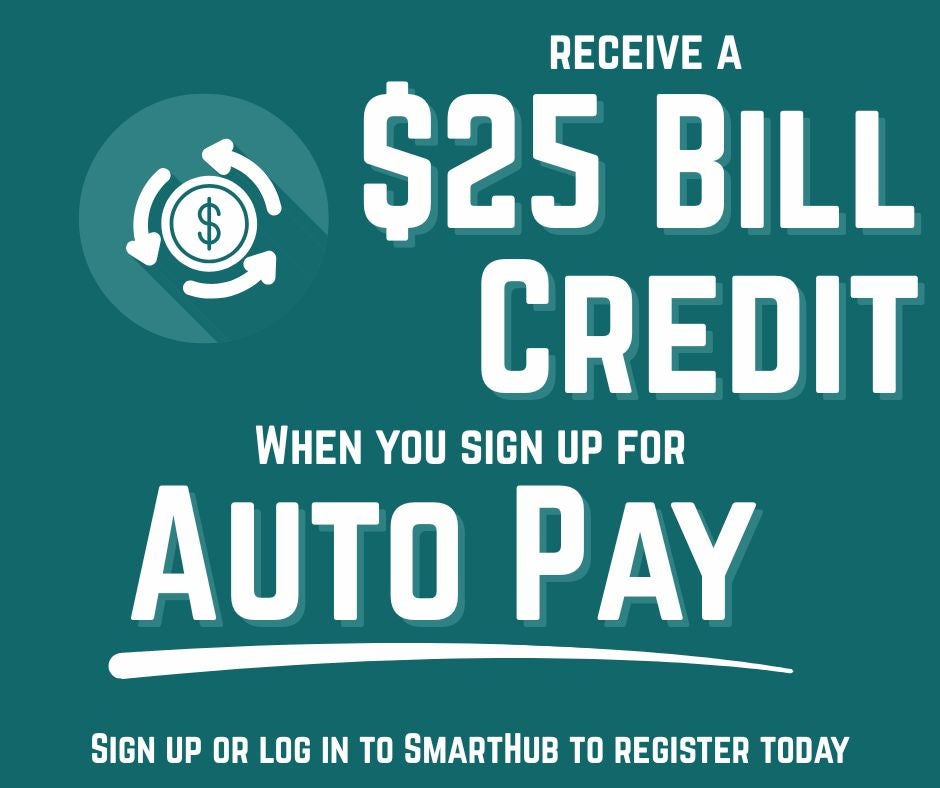

Sign Up For Auto Pay
1. Log in to your SmartHub account, Morgan County REA’s online customer service portal. Don’t have a SmartHub account yet? Signing up is easy! Click here to create an account. SmartHub allows you to manage your account, pay your bill, and monitor your usage 24/7!
2. After you’ve logged into SmartHub, click the ‘Bill & Pay’ section from the main menu. Then, navigate to the Auto Pay Program page.
3. Once you accept the terms and conditions, you can enroll using a debit or credit card or link your bank account for secure withdrawal.